
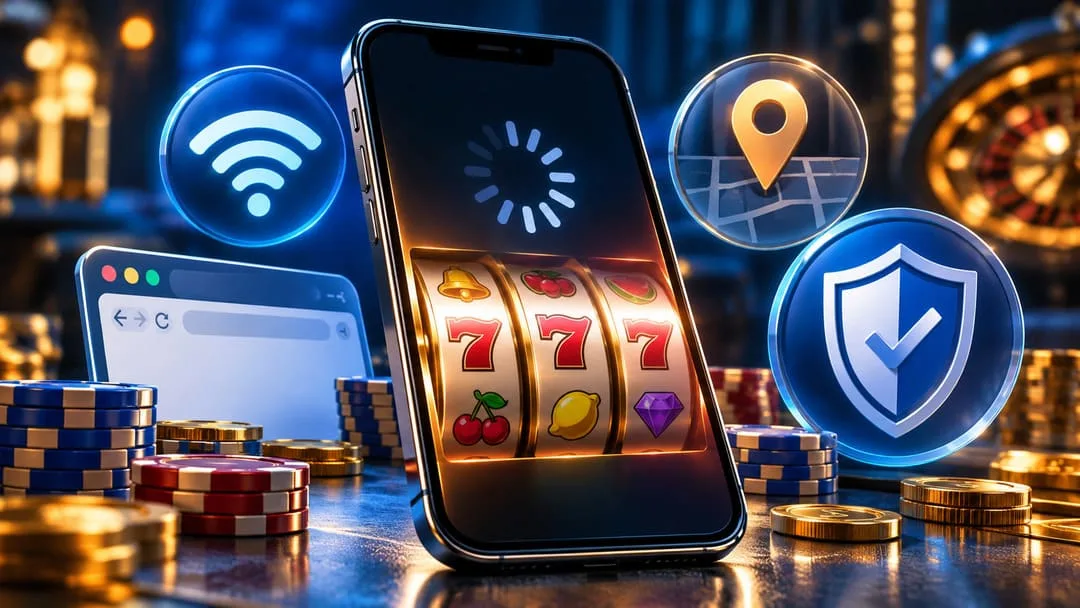
When iPhone casino slots are not loading, the problem could involve Safari, an unstable connection, a game-provider outage, a missing location permission, or an account restriction. The important first step is identifying what has failed before refreshing the game or attempting another wager. If money was already committed to a spin, protecting the transaction record matters more than getting the reels moving again.
Casino comparison resources can help players research mobile platforms, but they serve a different purpose from technical troubleshooting. Listings of top-rated online casinos on The RX examine offshore operators and factors such as mobile usability, payment methods, and casino features. Those rankings are not proof of U.S. state licensing, nor can they establish whether a frozen game has settled correctly. A loading problem should be investigated before a player considers changing platforms.
Fortunately, many common iPhone casino problems can be narrowed down without changing sensitive device settings or risking another deposit. The practical approach is to separate browser errors from game failures, confirm legitimate location requirements, and establish whether any unresolved transactions need attention from the casino operator.
iPhone Casino Slots Not Loading: Identify the Actual Problem
A slot game that displays a blank screen may seem similar to a casino website that refuses to open, but the two problems can have different causes.
A quick comparison helps identify the next step.
| What happens on your iPhone | Possible issue | First safe action |
|---|---|---|
| Entire casino website will not open | Internet connection, Safari, or website availability | Test another ordinary website |
| Login page repeatedly refreshes | Cookie settings, expired session, or authentication problem | Check browser settings and account status |
| Casino lobby works, but one slot freezes | Individual game or provider issue | Stop the game and contact support if a wager is unresolved |
| Location verification fails | Location permission, accuracy, or legal eligibility | Review location settings and jurisdiction rules |
| Game freezes after a paid spin | Unsettled game or account synchronization issue | Check transaction history before doing anything else |
| Casino app closes unexpectedly | App compatibility, software bug, or device issue | Check for official updates and operator notices |
These possibilities are not diagnoses. They are a way to prioritize investigation without repeatedly changing settings or pressing buttons.
If other websites work normally and the casino lobby loads, the problem may be limited to a particular game or casino service. If Safari cannot open several unrelated websites, checking the browser and network becomes more useful.
Fix Safari Loading Problems Before Changing Casino Apps
Check the connection without interrupting an active wager
A network interruption can prevent a browser from receiving updated information even when the casino’s systems continue processing activity.
Start with an ordinary website that does not involve gambling. If it also fails, test the connection using Wi-Fi or cellular data, provided no wager or payment is in progress.
Apple’s Safari troubleshooting instructions recommend checking another network, restarting the device, reviewing VPN settings, clearing website data, and confirming that JavaScript is enabled.
For a casino website, however, there is an important distinction: a temporary connection problem should not automatically trigger a new login, deposit, or spin.
If a game froze during a paid round, record the available balance and error details first.
Confirm that JavaScript is enabled
Modern online slot interfaces often depend on JavaScript for interactive menus, game initialization, and account features.
On supported iPhone software versions, you can review the setting through:
Settings → Apps → Safari → Advanced → JavaScript
If JavaScript is disabled, some website functions may not load correctly. Re-enabling it can address a browser configuration problem, although it will not resolve an unavailable game server or blocked gambling account.
The correct setting does not override the casino’s own access rules.
Clear Safari data only when necessary
Old website data can sometimes contribute to failed logins, stale sessions, or loading errors.
Apple provides a clearing option under Settings → Apps → Safari → Clear History and Website Data. Menu names and locations may vary depending on the iOS version.
This step deserves caution because it can remove stored cookies, sign users out of websites, and reset certain website permissions.
Before clearing anything, make sure there is no unresolved paid spin or unclear account transaction. Save relevant screenshots and transaction references, and contact the operator when necessary.
Clearing Safari data does not cancel a wager, restore a disputed balance, or replace the casino’s official transaction history.
Why iPhone Casino Geolocation Errors Need Different Treatment
One of the most confusing mobile casino problems occurs when the website loads correctly but refuses to open a real-money game.
This may not be a technical failure at all.
Licensed online gambling platforms can be required to confirm that users are physically present within an approved jurisdiction. A player may have a registered account and a working iPhone but still be unable to access real-money games if the location check fails.
Apple explains how to review location access in its Location Services settings guide. On iPhone, the starting point is Settings → Privacy & Security → Location Services.
Users can review whether location access is available to the relevant application or website and whether more precise positioning is required. Location detection can also be affected by signal conditions or the surrounding environment.
However, changing a permission cannot make gambling lawful in a jurisdiction where the activity is prohibited.
Players should not use GPS spoofing, VPN routing, or other location-masking methods to bypass operator restrictions. Such methods can create account issues and do not provide legitimate authorization to gamble.
Check the operator’s actual licensing status
Before treating repeated location failures as a device problem, confirm whether the operator is licensed to provide the type of gambling involved.
For example, Pennsylvania residents can consult the Pennsylvania Gaming Control Board’s interactive gaming operator directory to check whether a platform is regulated within that state.
Other jurisdictions have their own regulators, permitted operators, age requirements, and geographic restrictions. A casino’s availability in one state does not mean it is authorized everywhere in the United States.
A comparison-site rating, an App Store listing, and a casino’s own marketing claims should not replace verification with the appropriate regulator.
Browser-Based Slots and Native iOS Apps Require Different Fixes
Not every online casino game runs through the same technology.
Some platforms operate through Safari, while others provide dedicated iOS applications. A casino website saved as a Home Screen shortcut may still rely on web technology rather than a separately installed native application.
That distinction matters because clearing Safari website data does not necessarily repair a native app’s internal problems.
For a dedicated app, first confirm that it came from an official distribution source, that its developer matches the casino operator, and that an appropriate update is available.
For a browser-based platform, inspect Safari settings, the website address, and any browser extensions that could interfere with loading. Do not disable security warnings simply to make an unfamiliar website open.
Our earlier guide to evaluating iPhone casino app listings explains why app availability, operator licensing, banking policies, and account security must be considered separately.
If an application continues to fail after basic checks, contact the operator before deleting it or attempting a fresh installation, particularly when transactions remain unresolved.
What to Do When a Paid Slot Spin Freezes
An ordinary loading error becomes more serious when it happens after a real-money wager.
The screen may stop responding before a result appears. That does not prove the wager was canceled, nor does it prove the game recorded a loss.
The game’s server-side records and the casino’s transaction system may contain information that is no longer visible on the iPhone.
A cautious response involves four actions:
- Stop interacting with the game. Avoid repeated spin commands, deposits, and unnecessary refreshes while the outcome is unclear.
- Review the account history. If it is accessible, check the balance, recent game activity, and transaction records without initiating another wager.
- Preserve useful evidence. Record the game title, approximate time, visible error, and available transaction reference. Keep screenshots that do not expose sensitive account credentials.
- Contact official customer support. Request confirmation of whether the round was accepted, completed, voided, or remains under investigation.
The operator may need information from the game provider to reconcile an interrupted round. Processing procedures and dispute options depend on the platform and its applicable rules.
Players should never send passwords, one-time authentication codes, or complete payment-card details through an unsolicited support message.
Most importantly, do not continue wagering in an attempt to make an unclear account balance correct itself.
Why Casino Performance Is More Than Loading Speed
Fast loading times can make a mobile casino feel convenient, but they do not establish whether an account is secure, a game is properly supervised, or its financial records are reliable.
For someone playing on an iPhone, useful performance signals include stable navigation, readable balances, clear error messages, access to game history, and straightforward support procedures.
Our analysis of mobile casino performance and player protection discusses how unreliable interfaces can create uncertainty when wagers or transactions are being processed.
The same principle applies to slot games. An attractive loading animation is not a substitute for transparent account records.
Players should be able to distinguish between an unfinished game, a completed wager, an unavailable feature, and an operator-imposed restriction.
If the interface cannot make those distinctions clear, the sensible decision is to stop using it until the account status is confirmed.
Avoid troubleshooting methods that introduce new risks
Not every suggested internet fix is appropriate for a gambling website.
Downloading an unofficial casino installation file, entering credentials into a mirrored website, disabling phishing protections, or attempting to bypass geographic restrictions can create problems more serious than the original loading error.
Instead, use the operator’s official support channels, Apple’s documented settings, and the relevant gaming regulator’s public information.
A working browser should never come at the expense of account security.
A Better Standard for Playing Online Slots on iPhone
When iPhone casino slots are not loading, there is no universal fix. A network interruption requires a different response from a disabled browser feature, a game-provider problem, a location restriction, or an unsettled wager.
The most reliable approach is to identify the failure before making changes, preserve transaction evidence when money is involved, and avoid introducing new security or financial risks during troubleshooting.
For players, the most important measure of a mobile casino is not simply how quickly its reels appear. It is whether the platform provides a clear, accountable way to understand what happened when something goes wrong.
Casino gaming should remain optional entertainment for adults legally permitted to participate, with spending and time limits that do not compromise essential finances.
Leave a Reply